In the Submittals section, all submitted forms can be displayed. To choose which forms to display use the options and forms drop down to narrow your results.
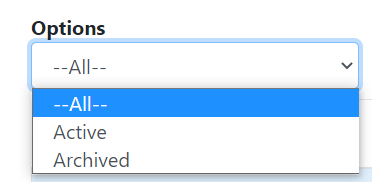
1. Under options you can choose to display active or archived forms.
2. Under Form you can choose which form to display in the search results.
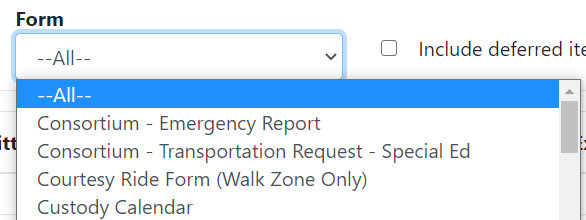
3. In the search results you can choose to include deferred items by checking the box.
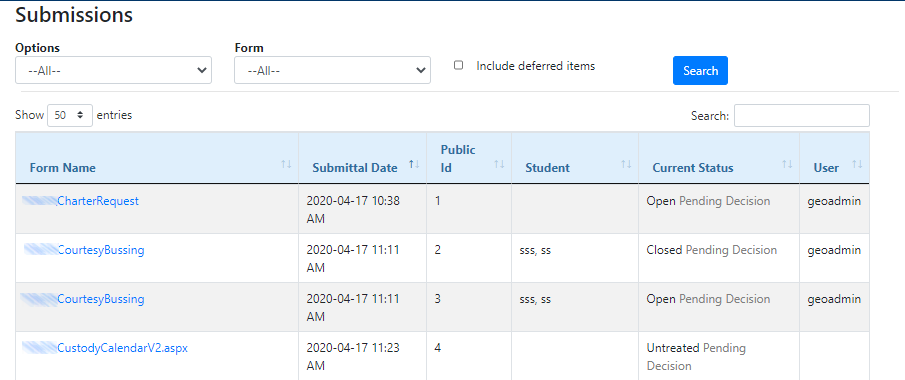
Form Name - The internal name of the original form.
Submittal Date - The date and time at which the form was submitted.
Public ID - The unique identifier of the submittal itself.
Current Status - Displays the current Step & Status of the submittal.
User - The Workflow user that submitted the form, if applicable.
Tip: All forms that allow School Admin users to 'Search' for students on student forms, will now be limited to searching for only students in schools that the user has assigned in BusPlanner Web User Manager.