After a BusPlanner Web user fills out a form, a letter can be emailed back to them when their submittal is acted upon by a staff member. The Letters section is where these letters are created and administered.
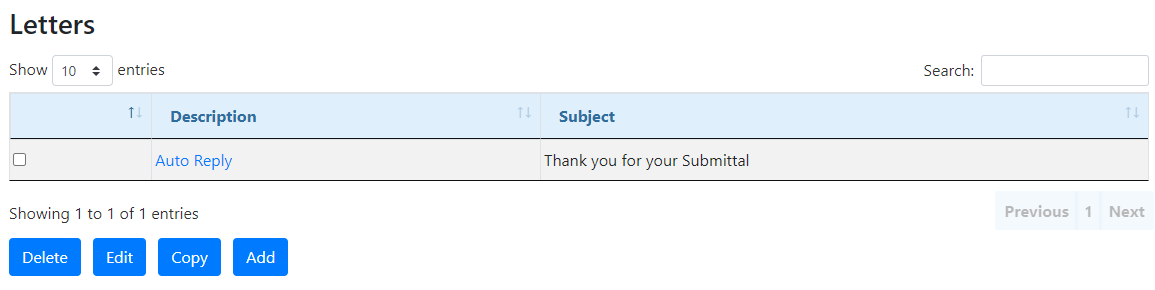
Use the buttons at the bottom of the list to add, delete, or make a new copy of a letter. Click on a particular entry to view and/or edit it.
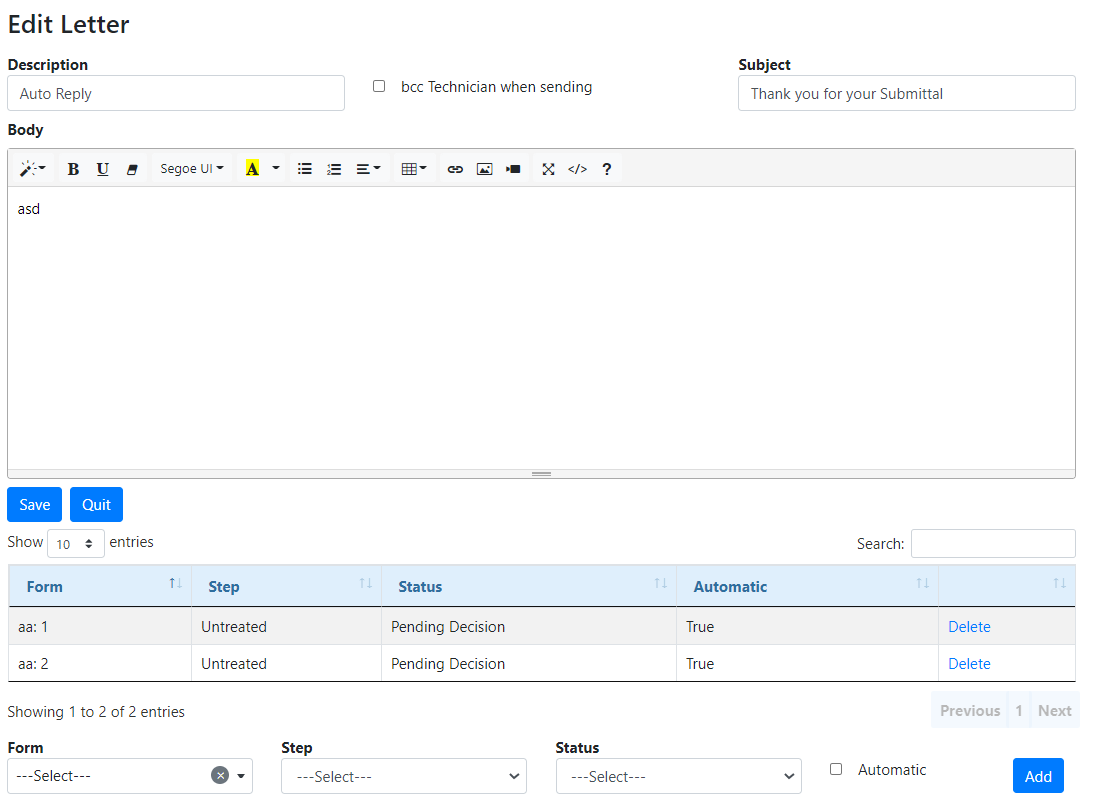
Description: The internal name of the letter.
Subject: The subject line of the email to be sent to the user.
Body: The text of the email to be sent.
cc Technician: If checked, whenever this email is sent out, the technician processing the form will receive a copy of the email in their inbox.
At the bottom, conditions can be set on when the letter is to be sent out.
Form: The name of the Workflow form to which the letter is to be associated.
Step: The stage in the Workflow process at which the submittal currently stands.
Status: The point at which the letter should be sent (e.g. when a submitted form is “approved” or “denied”).
Automatic: If set to true, the letter will be sent automatically when the form reaches the point set under both “Step” and “Status”.
Action: Allows the user to add or remove a letter to/from a particular form.
 Forms
Forms
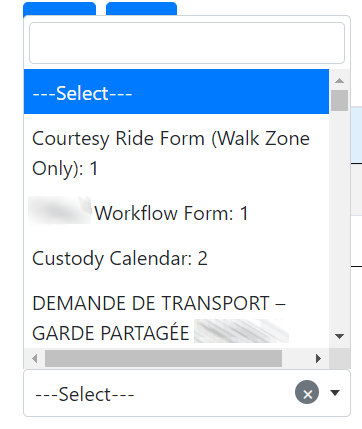
Letters can be set to be form specific. In the drop down select the form that this letter will be associated with.
Note: You can type in the box to find your form. |
Steps
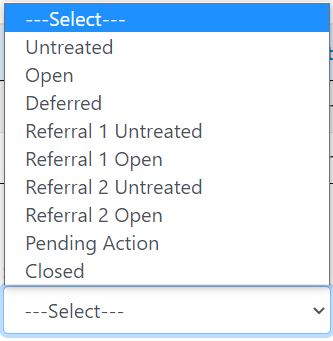
You can select at which step this letter will be sent out.
Untreated - These are submittals that have not been touched by anyone. Open - These are submittals that are being looked at but have not been dealt with. Deferred - These are submittals that have been postponed. Referral 1 Untreated - Forms that are under review but have not been looked at yet. Referral 1 Open - Forms that are under review. Referral 2 Untreated - Forms that are under review a second time but have not been looked at yet. Referral 2 Open - Forms that are under review a second time. Pending Action - Forms that require action to be taken. Closed - Forms that requires no further action. |
Status
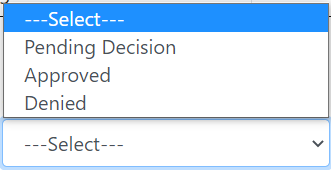
You can select the status when this letter will be sent out.
Pending Decision - this status means your request is being reviewed and waiting for a technician to approve it. Approved - The form has gone through reviews and have been approved. Denied - The form has gone through the review process but unfortunately your request has been denied. |
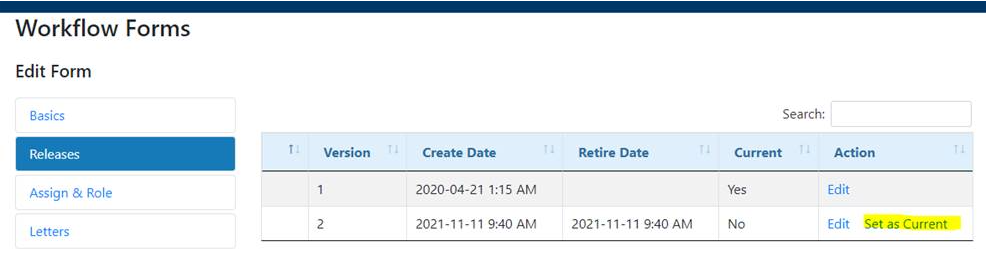
Set a Letter as Current
You can select which version of your letter to send 1.Select Forms under the admin drop down and click the form name your letter is attached to 2.In the Edit Form menu, click Releases 3.Click Set as Current under the Action column
|