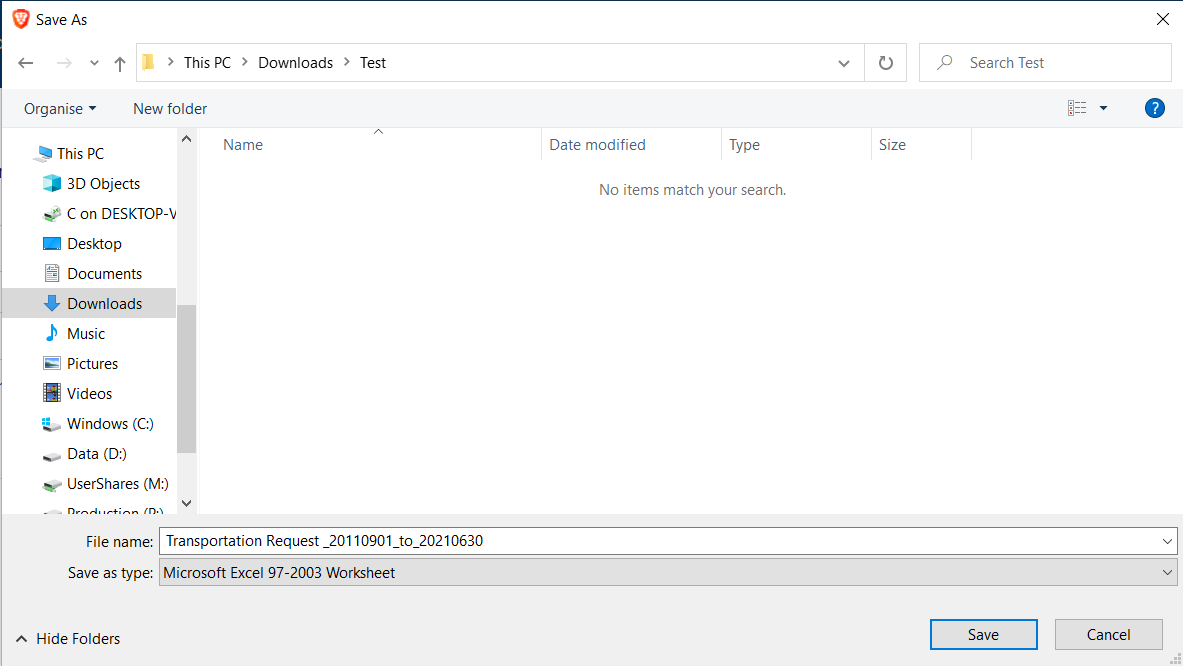
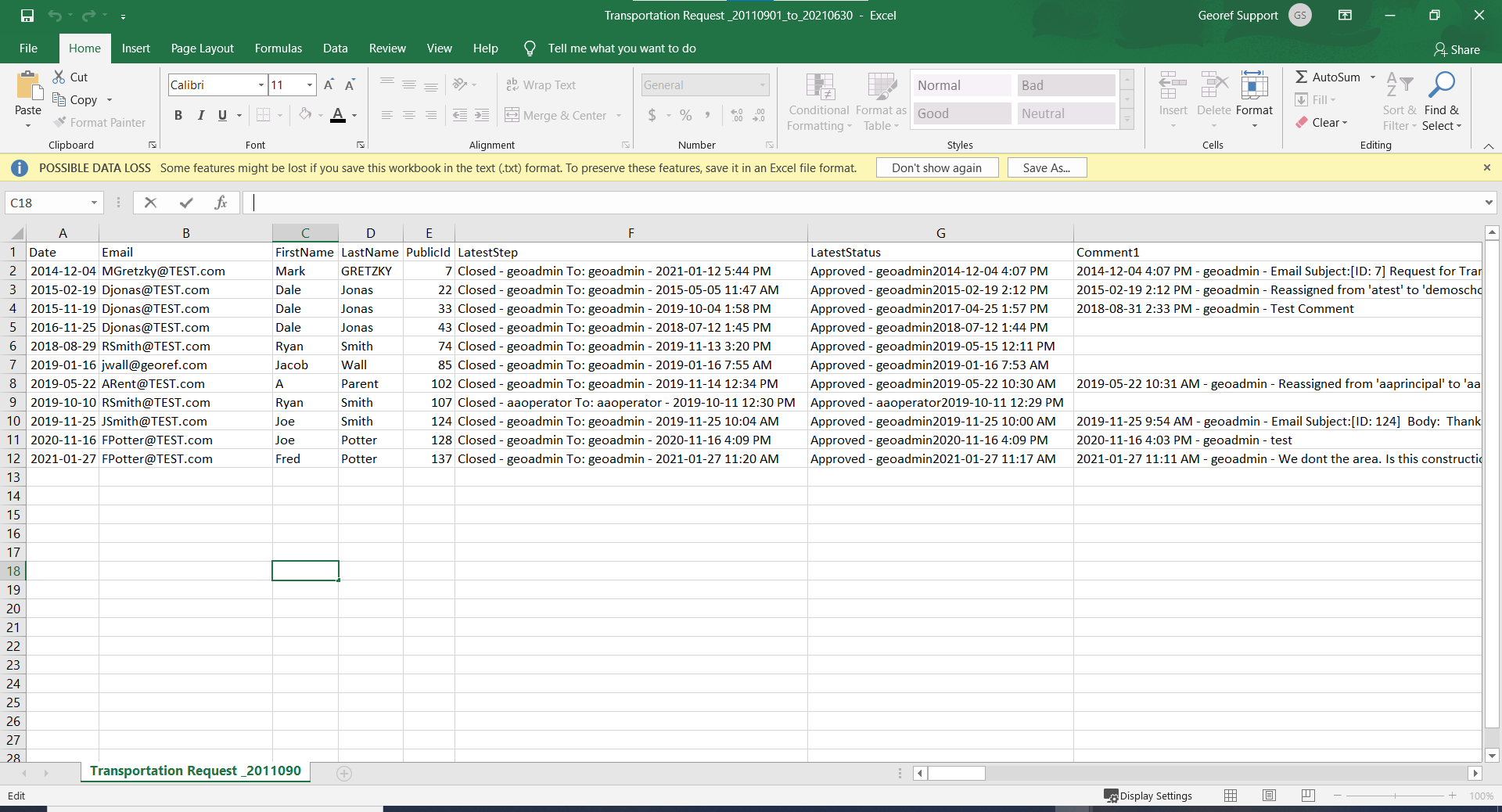
This page allows you to export specific forms using a date range and form status. Note: the data exported will be in a comma delimited text file format.
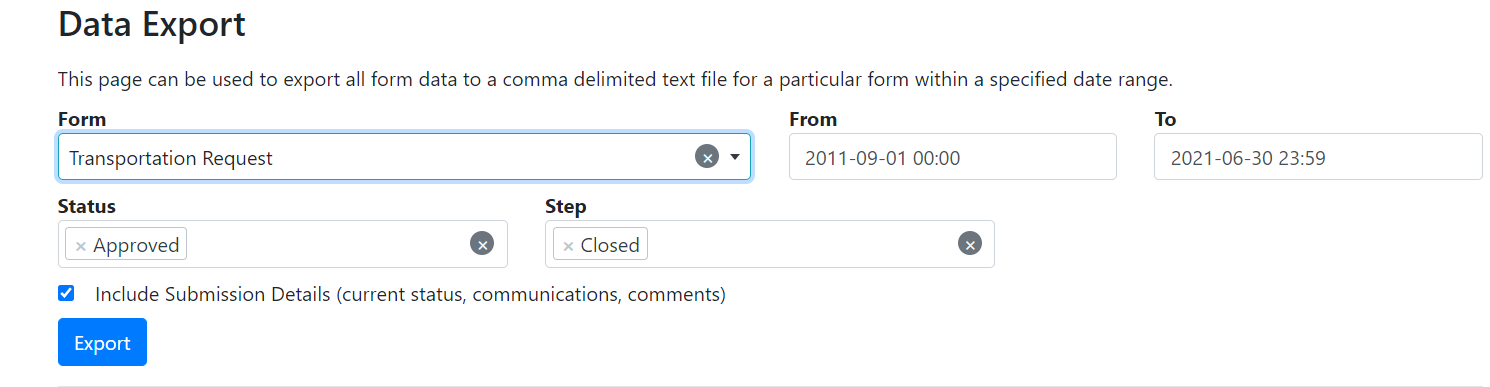
Step 1. Select the Form from the drop down.
Step 2. Select your date range in the From and To box.
Step 3. Select the Status of forms and Step of the form you would like to export.
Step 4. check the box if you would like to include submission details in the exported file.
Step 5. Click Export and Save as an excel or text file on to your computer.