Workflow Settings can be configured in BusPlanner Web Site Administration > Settings > Workflow.
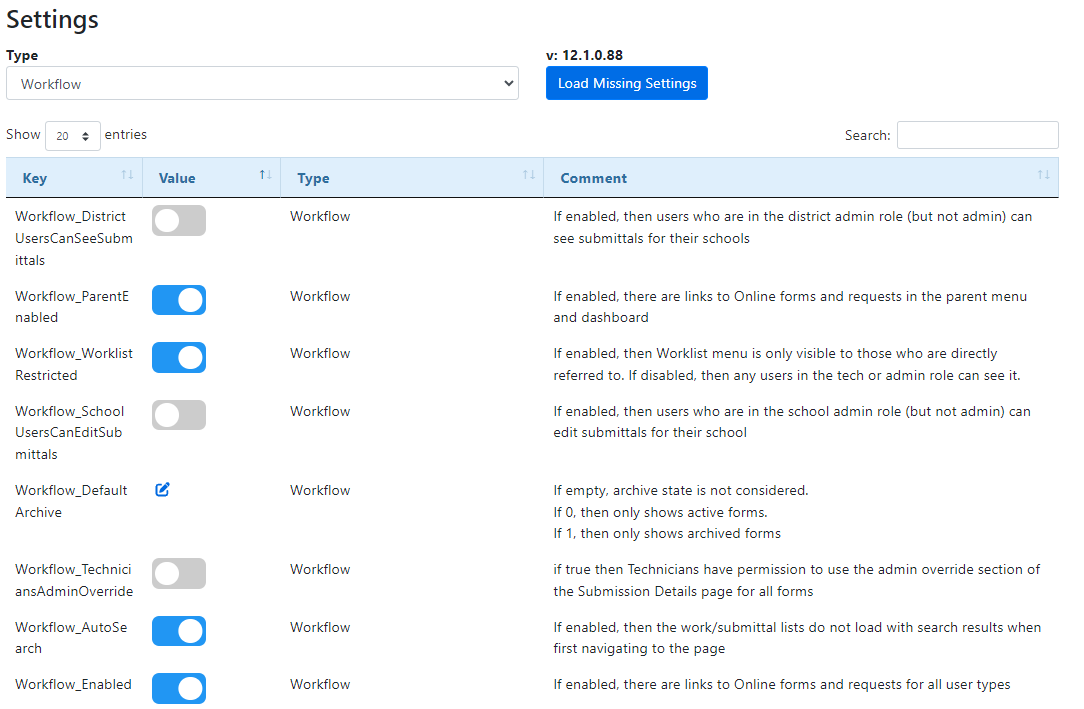
Here are a few of the recently added settings:
Workflow_ReferToToRoles |
A semicolon delimited list (no spaces between semicolon) of the roles of users listed in the refer to list of Workflow. Default: Technician. All professional roles are possible. |
Workflow_AssignToRoles |
A semicolon delimited list (no spaces between semicolon) of the roles of users listed in the assign to list of Workflow. Default: Technician. All professional roles are possible. (SchoolAdmin, Principal, SiteAdmin, Driver, DistrictAdmin, Operator, Transportation) |
Workflow_DistrictUsersCanSeeSubmittals |
If enabled, then users who are in the district admin role (but not admin) can see submittals for their schools |
Workflow_DistrictUsersCanEditSubmittals |
If enabled, then users who are in the district admin role (but not admin) can edit submittals for their schools |