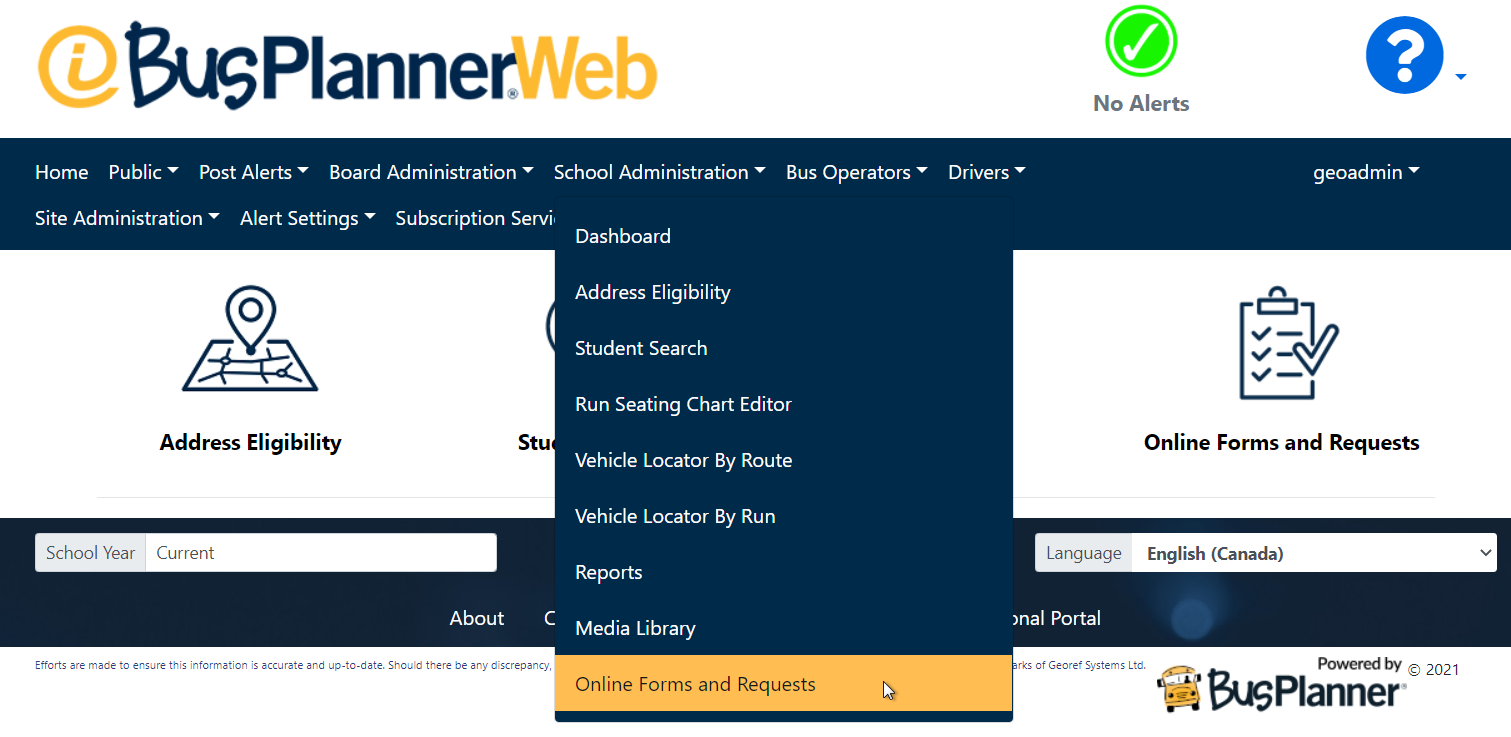
Forms can be accessed via the Professional Portal by clicking on Online Forms and Requests, you will be able to find it under the Board Administration, School Administration, Bus Operator and Drivers tabs. Which forms the user can see, or if they can see the menu item at all, will depending on how forms are setup and if given user types are granted permission to see said forms.
Clicking on one of the individual forms will take you to that form, as well as the broader BusPlanner Workflow site.
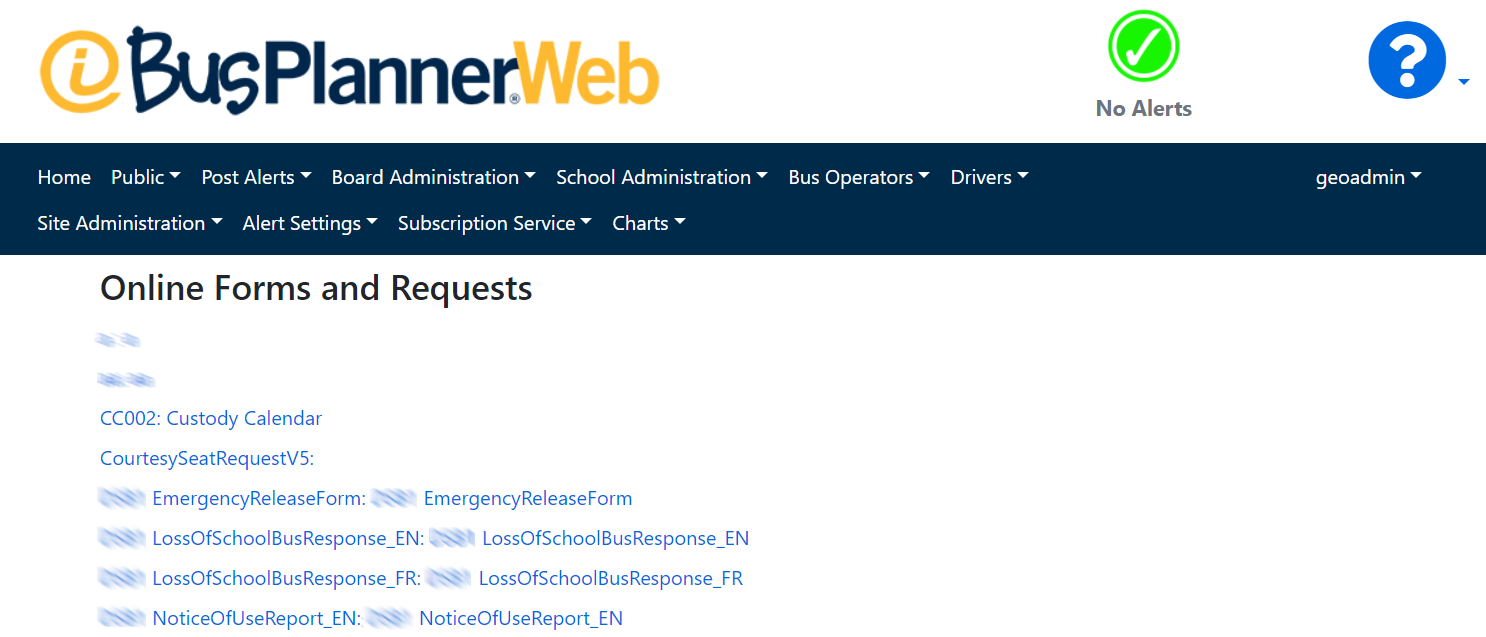
Users can access and submit a form by clicking on one of the links on the tab.
 Related Settings
These settings are controlled by Admin users of BusPlanner Web. You can find the settings in Site Administration > Settings.
|