Parents will have access to Workflow forms marked as public (in Admin > Forms) via the Parent Portal, you will need to enable the setting ParentLogin_ShowFormsTabLink. To enable this setting, on BusPlanner Web, go to Site Administration > Settings > Search for ParentLogin_ShowFormsTabLink and enable it.

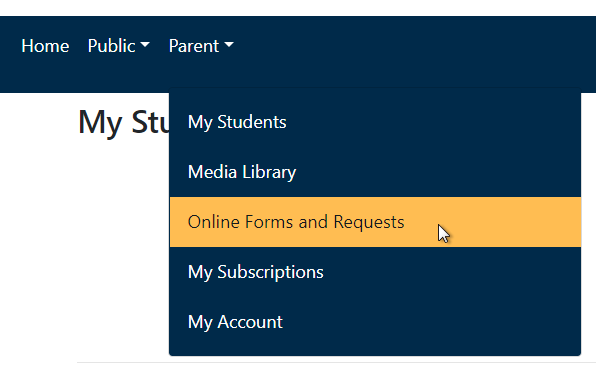
These forms will appear in Online Forms and Request under the Parent dropdown menu.
If a parent is logged in as a subscriber with students, the Online Forms and Requests page will have a drop down list of their students. Once they select a form, it will be pre-filled with the student's information.